
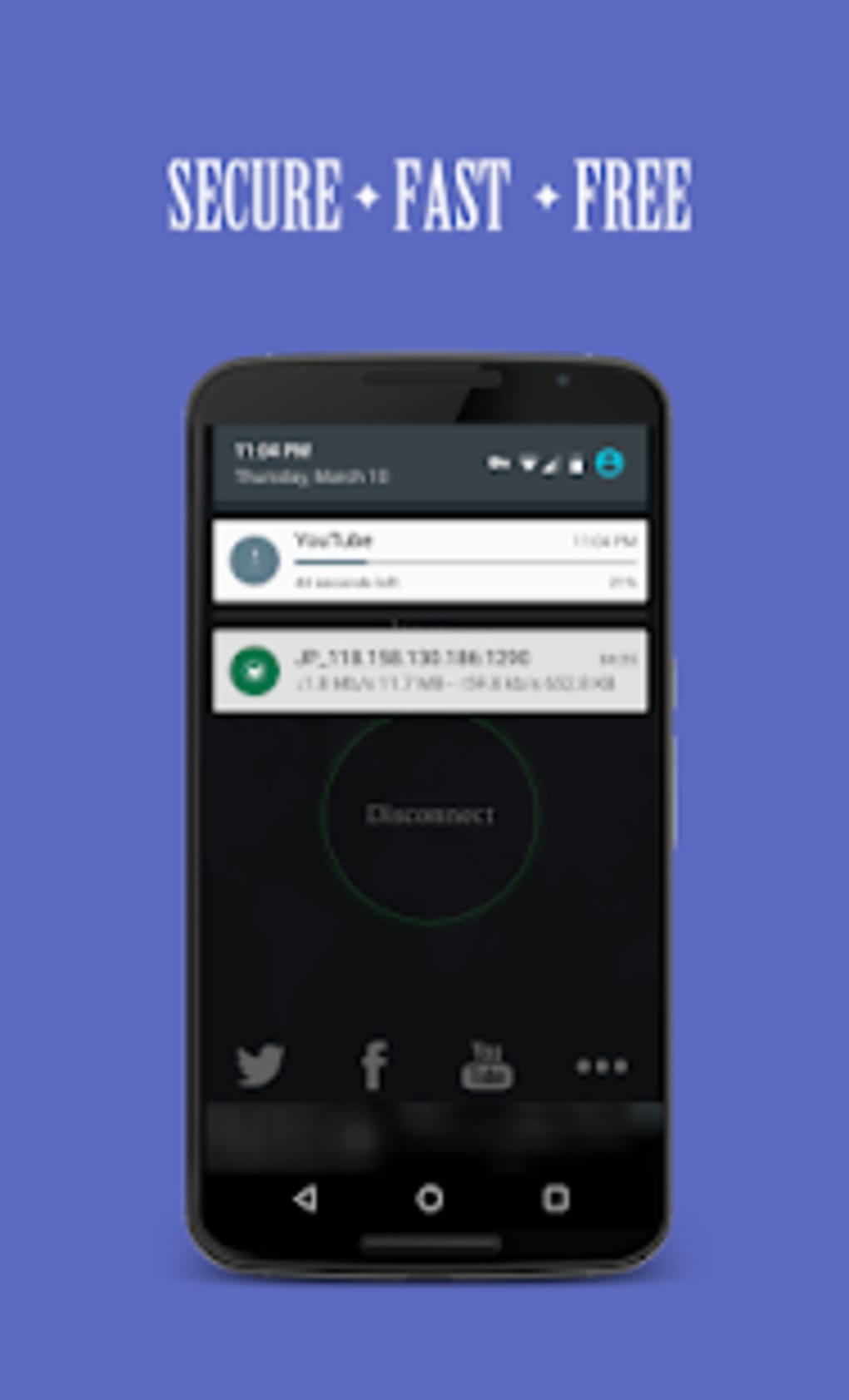

Download Solo VPN – free VPN, secure proxy, privacy tool, one tap connection, fast internet, network security, anonymous browsing, no registration, global servers
Overview
Solo VPN - One Tap Free Proxy is a desktop and mobile security tool designed to enhance online privacy and network safety. The software functions as a free virtual private network (VPN) that allows users to secure their internet activity without requiring registration or advanced technical knowledge. It is particularly suited for individuals seeking a simple, no-frills method to protect their data while browsing on public Wi-Fi networks or cellular connections.
The application enables anonymous browsing by masking the user’s IP address and encrypting data traffic, helping to prevent tracking by third parties. It supports multiple network types, making it accessible across diverse connectivity environments. The developer, SoloVPN NCleaner - Notification Cleaner, has positioned the tool as a lightweight, immediate solution for users who prioritize ease of use and basic privacy protection.
Real-world scenarios include travelers needing secure access to region-restricted content, remote workers protecting sensitive communications, and casual users who want to browse without exposing their location. The software is especially useful for those who value quick setup and minimal configuration. The developer did not provide additional details about the company’s background or broader product line.
Key Features & Capabilities
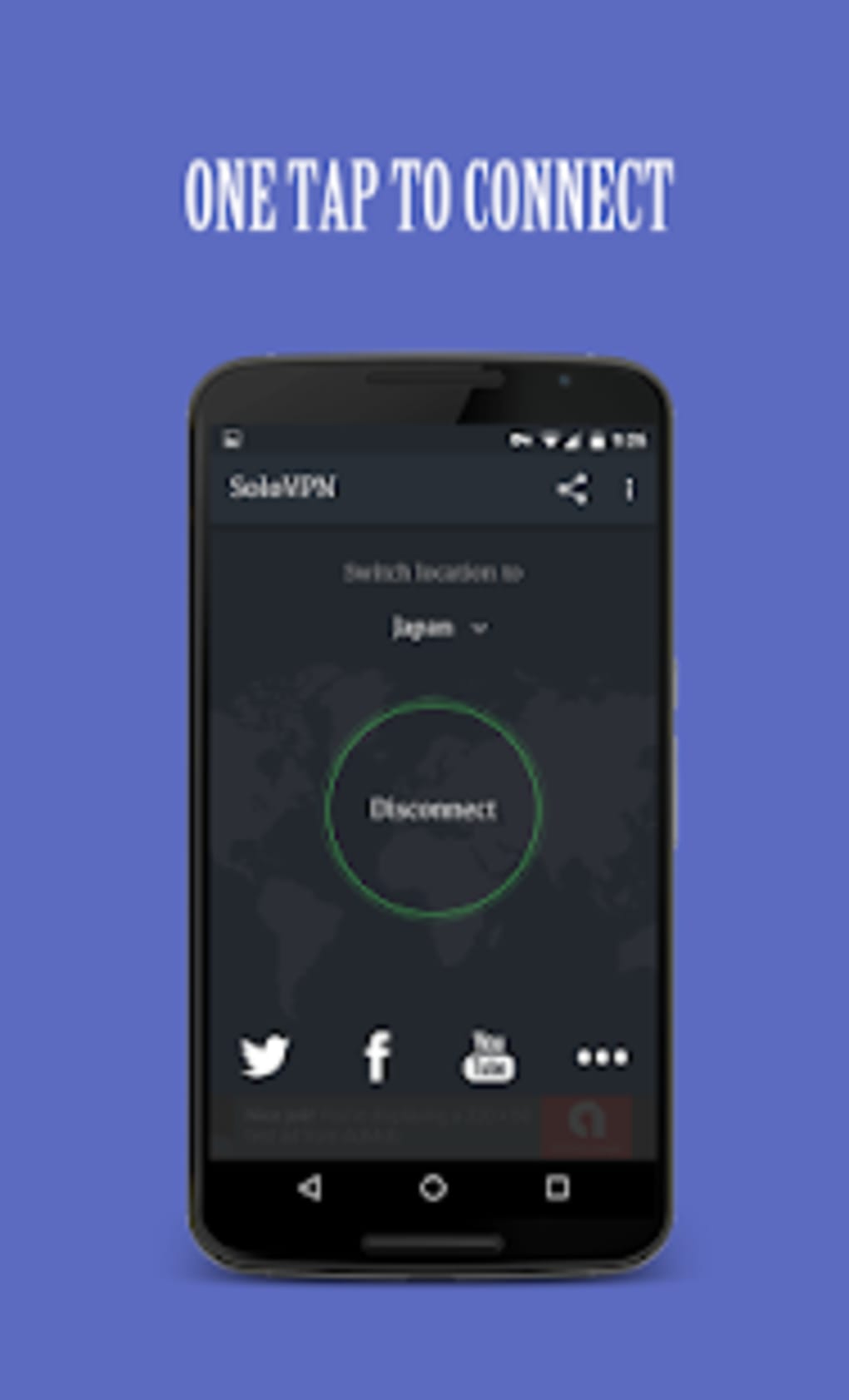
- One-Tap Connection: Users can establish a secure connection with a single tap, minimizing setup time and simplifying the user experience for non-technical individuals.
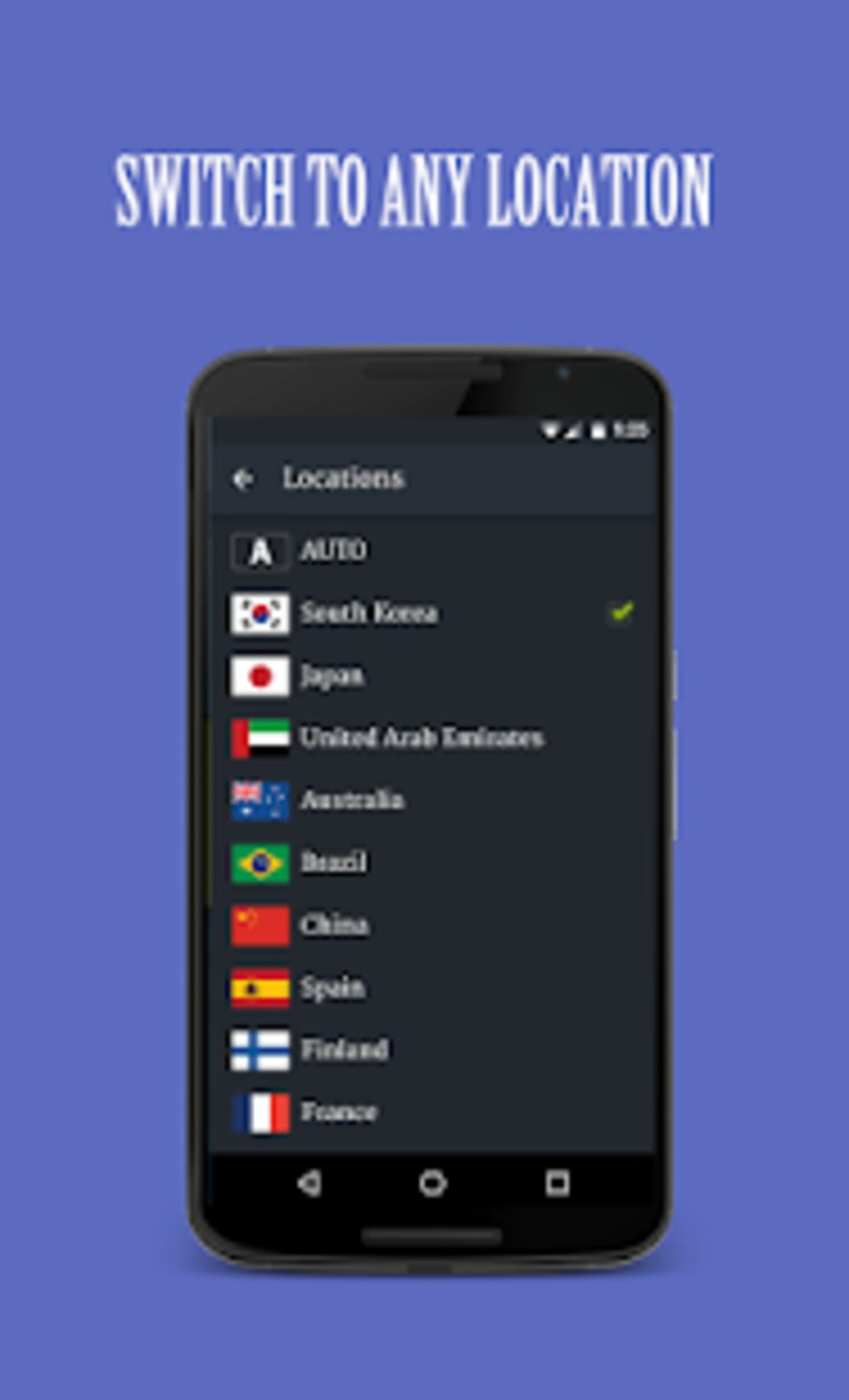
- Global Server Access: The software provides access to a network of high-speed servers located in countries such as South Korea, Japan, Australia, Spain, France, and the United Arab Emirates.
- IP Masking & Encryption: All user traffic is encrypted and routed through remote servers, effectively hiding the original IP address and enhancing online anonymity.
- Zero Registration Required: Users can begin using the tool immediately without creating an account or providing personal information.
- Auto Server Selection: An intelligent feature that automatically connects to the most optimized server based on the user’s current location and network conditions.
- Multi-Platform Support: Available on Windows, Mac, Android, and iOS, allowing consistent access across different devices.
These capabilities make Solo VPN suitable for quick privacy protection during short browsing sessions or when accessing geo-restricted services. The straightforward workflow supports users who need immediate access without complex configurations. The encryption and IP masking features are essential for maintaining confidentiality on untrusted networks. However, the developer did not specify the encryption protocol used or the exact number of available servers.
User Interface, Workflow & Performance
The user interface of Solo VPN is described as straightforward and effective, emphasizing simplicity and accessibility. The main screen features a prominent connect button, enabling users to initiate a secure session with minimal interaction. Navigation is intuitive, with minimal menu options and clear visual cues.
The workflow is designed for speed—connecting to a server requires just one tap, reducing friction for users who prioritize efficiency. The application’s performance is generally aligned with the behavior of lightweight desktop utilities, but exact resource usage details were not specified. The developer did not provide information on CPU or RAM consumption during active use.
Performance observations are based on general software behavior patterns. Users may experience delays when connecting to a server, particularly under unstable internet conditions. Additionally, some users may encounter unexpected disconnections during extended sessions.
While the software maintains a stable interface, frequent disconnections could impact usability for continuous tasks such as streaming or remote work. The application does not appear to include background monitoring or performance optimization features.
Compatibility & System Requirements
Solo VPN is compatible with Windows, Mac, Android, and iOS operating systems. The software version is 1.2.3, and the installation size is 12.4 MB, indicating a lightweight footprint suitable for devices with limited storage. The developer did not specify exact system requirements, such as minimum processor speed, RAM, or disk space.
Compatibility information was partially provided, with no details on whether the software supports older OS versions or specific hardware configurations. Users should verify that their device meets basic operational standards for running desktop and mobile applications. The absence of detailed requirements means that users should proceed with caution when installing on low-end or outdated systems.
No information was provided regarding supported screen resolutions or accessibility features.
Pros and Cons
Pros
- Simple one-tap connection process ideal for beginners.
- Free to use with no registration required.
- Access to international servers in multiple countries.
- IP masking and data encryption for enhanced privacy.
- Available on multiple platforms including Windows, Mac, Android, and iOS.
- Auto server selection helps optimize connection speed.
Cons
- Frequent unexpected disconnections during use.
- Connection times may be slow, especially on unstable networks.
- Limited transparency regarding encryption protocols and server count.
- Resource usage and performance under load were not disclosed.
- No detailed system requirements provided.
FAQ Section
Is Solo VPN available for Windows and Mac?
Yes, Solo VPN is compatible with both Windows and Mac operating systems, allowing users to install and run the application on desktop devices.
Is the software free to download and use?
Yes, Solo VPN is offered at no cost. There are no subscription fees or in-app purchases required for basic functionality.
Does Solo VPN require an account to use?
No, the application does not require users to create an account or provide personal information to begin using the service.
Can I use Solo VPN on public Wi-Fi networks?
Yes, the software is designed to secure internet activity on public and untrusted networks, helping protect user data from potential threats.
Does Solo VPN work offline?
Solo VPN requires an active internet connection to function. It cannot operate in offline mode as it relies on remote servers to route traffic.
Final Thoughts + CTA
Solo VPN - One Tap Free Proxy delivers a streamlined approach to online privacy with a focus on simplicity and accessibility. Its one-tap connection, global server access, and zero-registration policy make it a compelling choice for casual users seeking immediate protection without technical overhead. While the core privacy features—IP masking and encryption—are effective, the application’s reliability is hindered by frequent disconnections and inconsistent connection speeds, particularly under unstable network conditions.
These issues may affect users requiring stable, long-term connections. Nevertheless, for short-term browsing, travelers, or those needing quick access to region-restricted content, Solo VPN remains a viable option. The software’s lightweight design and cross-platform availability further enhance its appeal.
For users who prioritize ease of use and basic security, it offers a functional solution. However, those requiring consistent performance should consider alternative tools with more robust infrastructure. Download Solo VPN now to experience a fast, secure, and simple way to protect your online activity.





.png)

